Find any chat in a second
You do not have to remember what a chat was called. Type one word you said, and Dopppel finds it.

Three weeks ago, Dopppel helped you find the perfect words for a note to your landlord. Now you need them again, and you have no idea which chat it was in.
Now you can just search for it. Tap the search button in the side menu and type a word you remember. Dopppel looks inside every chat you have saved, not just the names.
It reads the words, not just the names
Search matches a chat's name, the words said inside it, and any document or chart Dopppel made you there. Type a word you said, or a word Dopppel said back, and the chat comes up. Tap a result to open that chat right where it is.
Your own chats and every Gäng
Search covers every saved chat you can see. That means your own chats and every Gäng you are in. It matches a friend's name too, so type their name and the chats with them come up.
Tips for a sharper search
Type more than one word and search finds chats that have all of them. The words can be in any order and in different messages. Want two words side by side? Put them in quotes, like "trip plan".
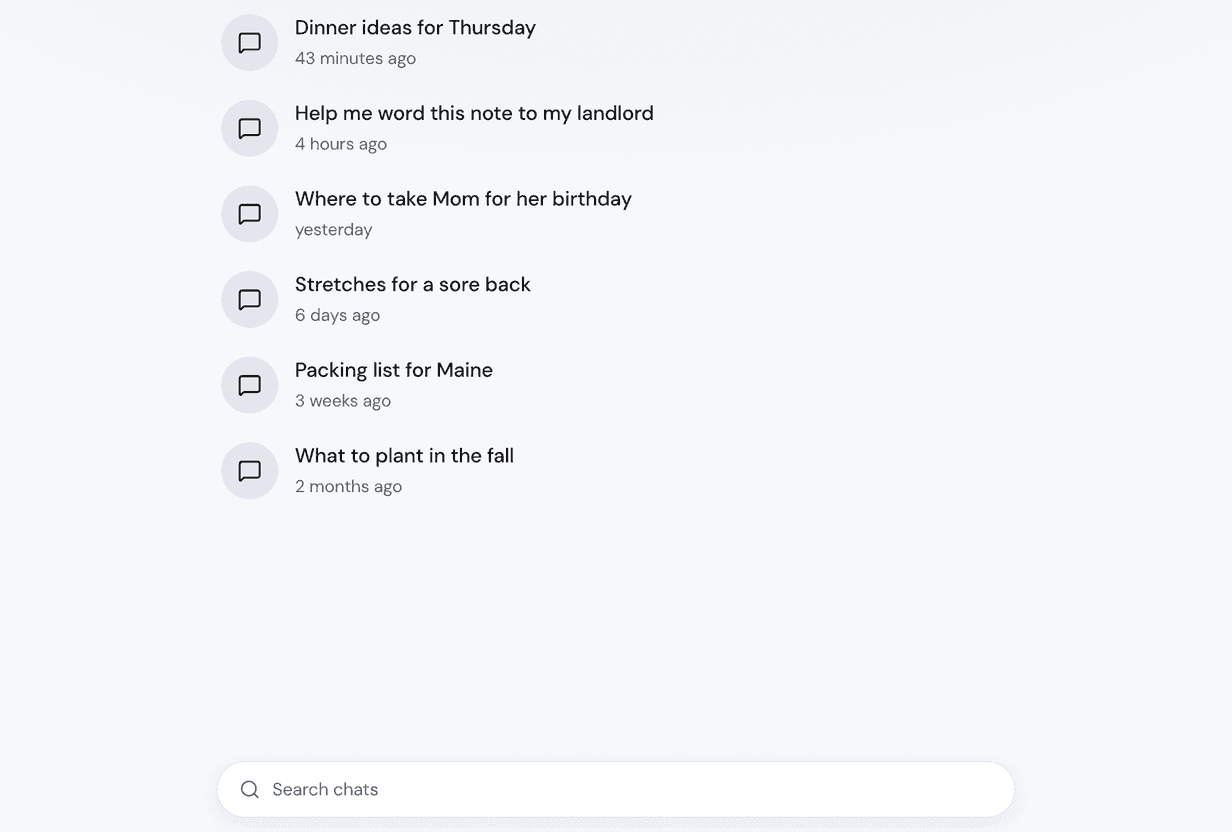
Just want to look by name? Tap Chats in the side menu to see them all, newest first. The Chats page looks at names only. The search button looks inside the messages as well.
What search can not find
Only saved chats can be found. A temporary chat was never saved, so nothing from it shows up. Neither does a chat you had while signed out. If you cannot find a chat you remember, that is most likely why. So sign in before a chat you will want to find later.
Tap Search everything
Sign in for free so your chats are saved. Then tap "Search everything" near the top of the side menu. Type one word you know you said, and tap the chat you want. It is free, like everything in Dopppel.