Keep your chats together in projects
A project is a box with a name on it. Your move in one, work in another, and every chat about it in the right place.
After a while you have a lot of chats. Some are about your move. Some are about work. Some are about what to cook for dinner. They all sit in one long list, and the one you want is lost somewhere in the middle.
Today we are adding projects to Dopppel. A project keeps related chats in one place. You give it a name, and the chats that belong together go inside it.
A named home for each part of your life
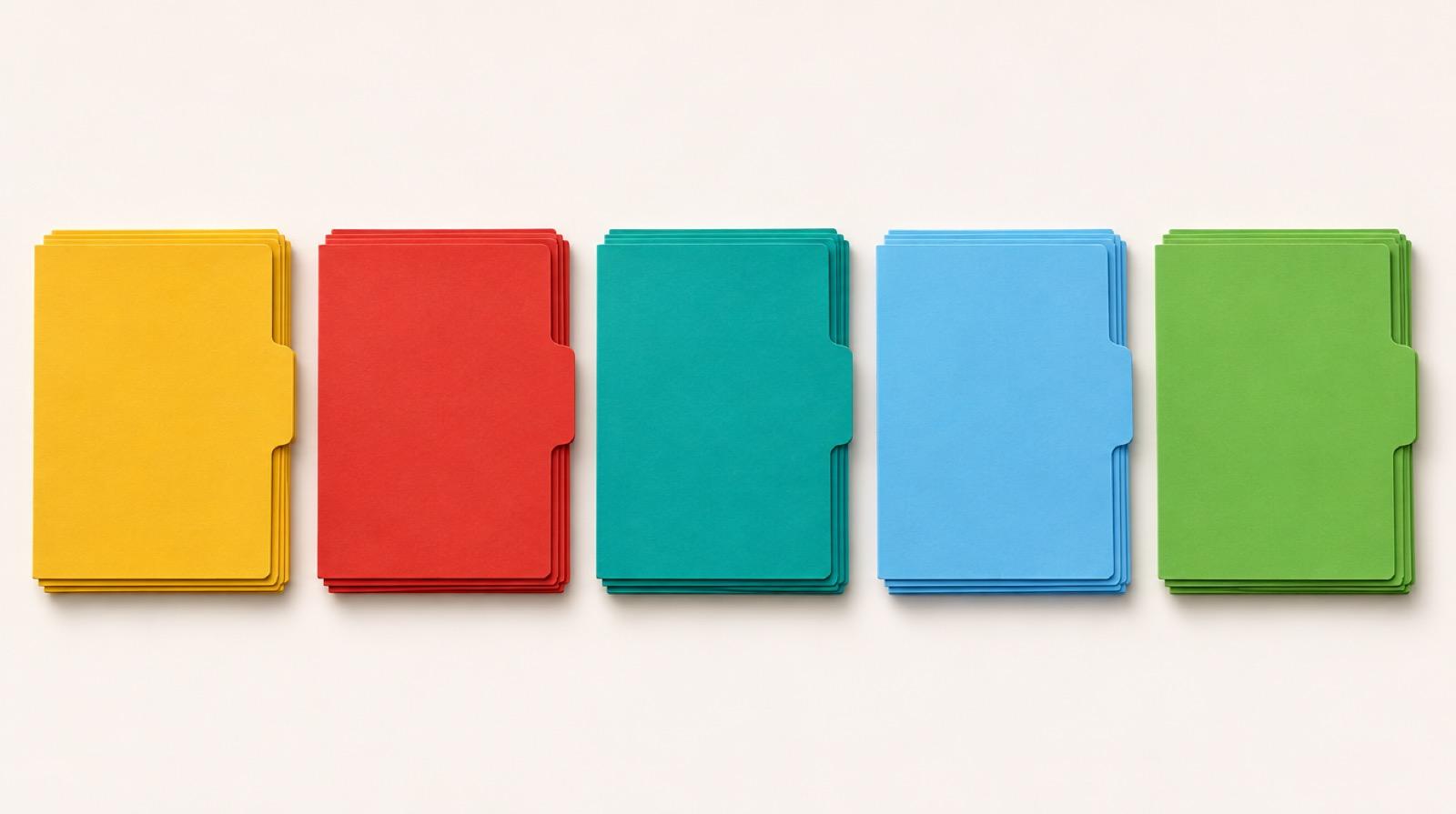
Think of a project like a folder on a desk. One says "Move". One says "Cooking ideas". One says "Job hunt". When you want to pick up where you left off, you open the right one and your chats are all there.
Open Projects in the side menu and you see every project you have, with the newest first. On a phone, Projects opens a full page. There you can look through your projects by name and start a new one.
Tell Dopppel how to help inside a project
Each project can have its own instructions. They tell Dopppel how to answer inside that project, on top of your own instructions from Settings.
Say you are fixing up your kitchen. You could make a project called "Kitchen remodel" and tell it to keep answers short and to list costs. Every chat in that project follows that. Your other chats do not change.
Moving chats you already have
You do not have to start over. Any chat in your side list can move into a project. Tap the three dots on that chat and pick "Move to project". The same three dots also have "Rename" and "Delete".
Each project has three dots of its own, with "Rename", "Edit instructions" and "Delete". So you can tidy things up as your plans change.
Who gets projects
Projects hold your saved chats, and saved chats come with an account. Signed out, chats are not saved, so there is nothing to put in a project. Make a free account and your new chats are kept from then on. Projects are free, like everything in Dopppel.
Make your first project today
- Tap the + next to Projects in the side menu ("New project").
- Give it a name, like "Move" or "Cooking ideas".
- Tap the three dots on a chat in the side list and pick "Move to project".
- Come back to Projects any time to pick up where you left off.